
-
ABOUT US
 Esperanto
 Shqiptare
 Euskara
 Zulu
Zulu
 Latinus
 Cymraeg
 தமிழ்
தமிழ்
 Slovak
 Slovak
 Afrikaans



Our products
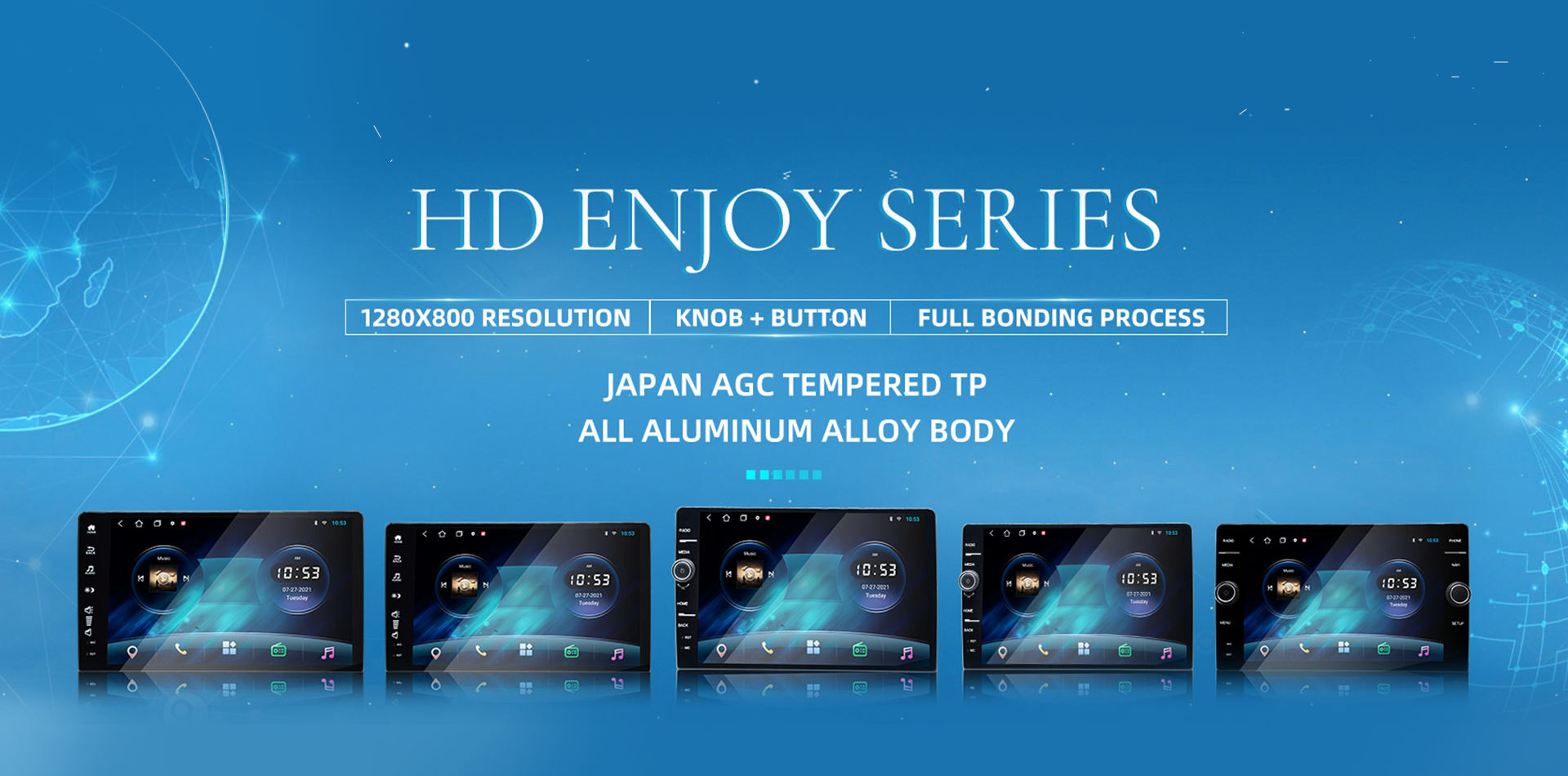
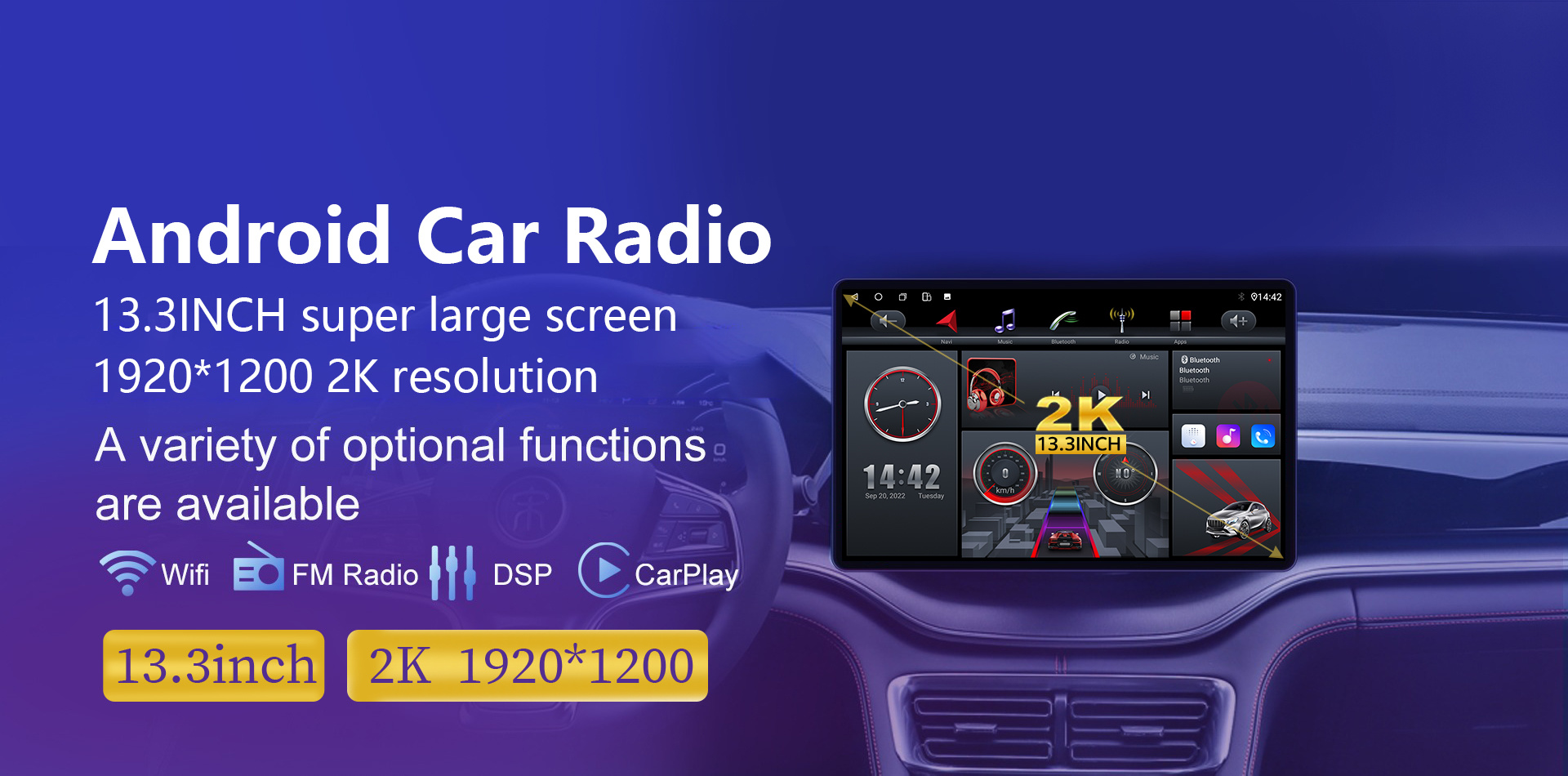
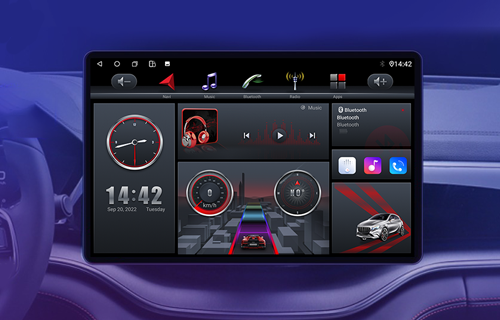
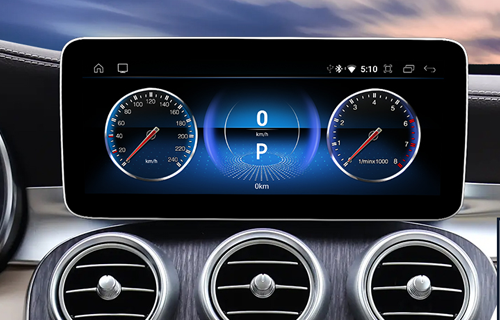
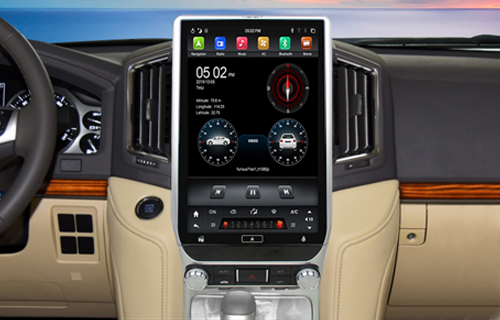
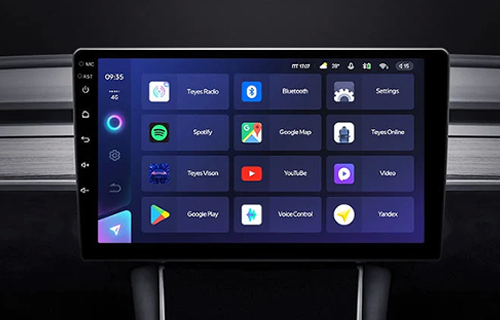
Professional production of car navigation products, car DVD, car GPS, car radio, 7 inches, 8 inches, 9 inches, 10 inches, 12.3inch, 13.3inch Android navigation, MP3, MP5, BMW series, Mercedes-Benz series, Audi series, Tesla Dedicated Android multimedia navigation system such as vertical screen series.




ABOUT CARDITAI
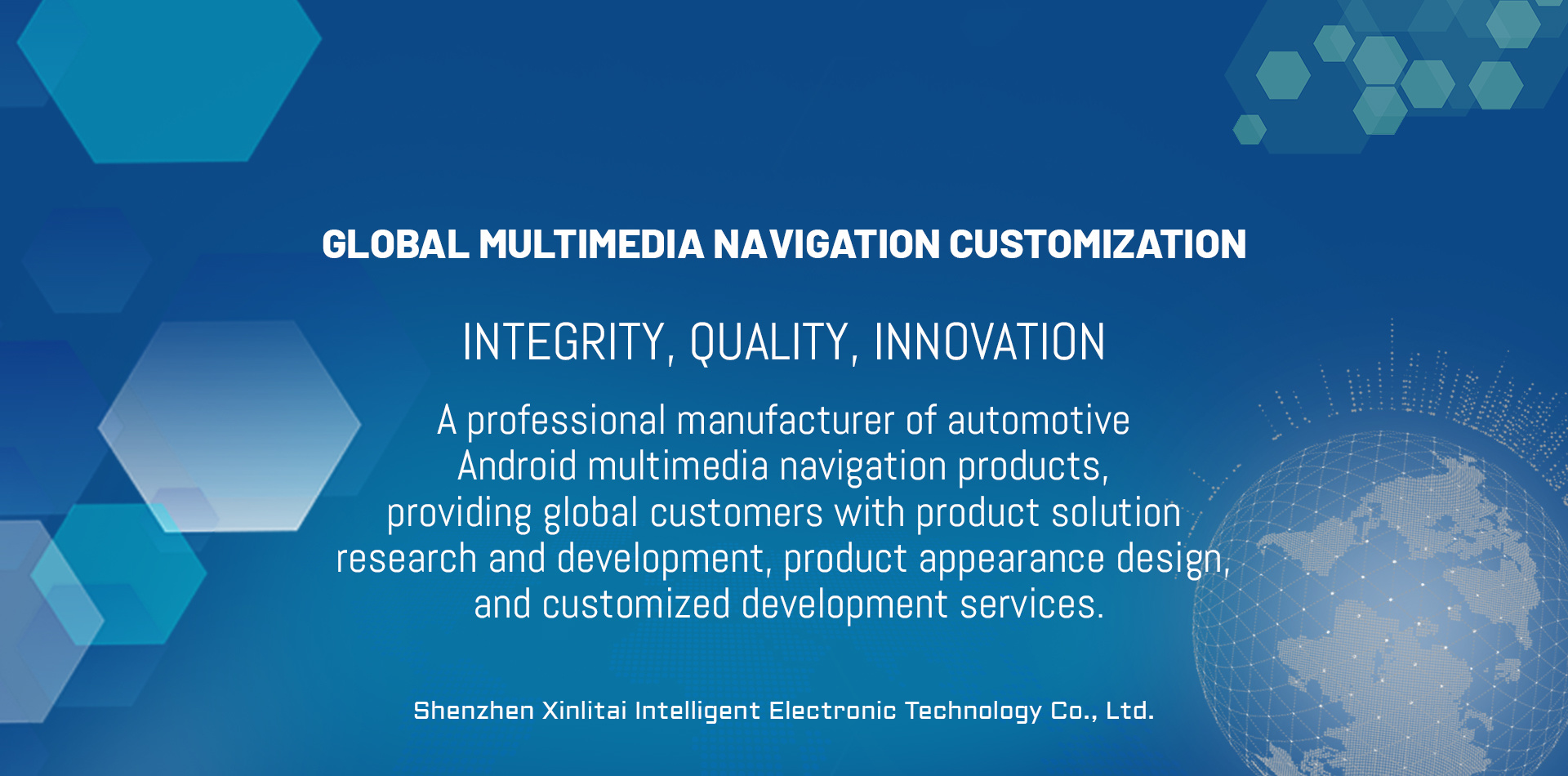
Shenzhen Xinlitai Intelligent Electronic Technology Co., Ltd. is an innovative enterprise integrating research and development, production, sales and service of intelligent terminal products for the Internet of Vehicles. The main products include full-fit IPS Android navigation series, Android navigation series for special cars and reserved original car screen series, BMW series, Mercedes-Benz series, Audi series and other Android-specific navigation audio products. The predecessor of Xinlitai technology research and development team is the automotive electronics solution research and development team with ten years of industry experience. In 2018, on the basis of the original team, Shenzhen Xinlitai Intelligent Electronic Technology Co., Ltd. was established, and a production and manufacturing base was established in Guangming District, Shenzhen. At the same time, it has a professional R&D, marketing and after-sales service team, mainly serving the pre-installed automobile factories and 4S shop automobile groups at home and abroad. At present, the cooperative automobile factory customers mainly include Dongfeng Motor, Volkswagen, Fiat Automobile, and well-known channels at home and abroad. Brands include PAPAGO, Pioneer, Alpine, Germany BLAUPUNKT, etc. The main export regions of the products are South America: such as Brazil, Peru, Colombia. North America: such as the United States, Canada, Mexico, etc., Europe: such as Russia, Germany, Poland, etc. In Southeast Asia and other regions, we look forward to cooperating with more customers in the future and working together to win the future.
Sales country
Industry experience
Product model
SAFE
Quality passed/CE/FCC/ROHS/ E-MARK certification
SERVICE
24-hour customer service online response to questions
EXPERIRNCE
More than 15 years ofindustry production experience
PRICE
Reasonable factoryprice, no middlemen
7inch MP5 CARPLAY\Android HD AUTO player QLED 1024*600
hot products
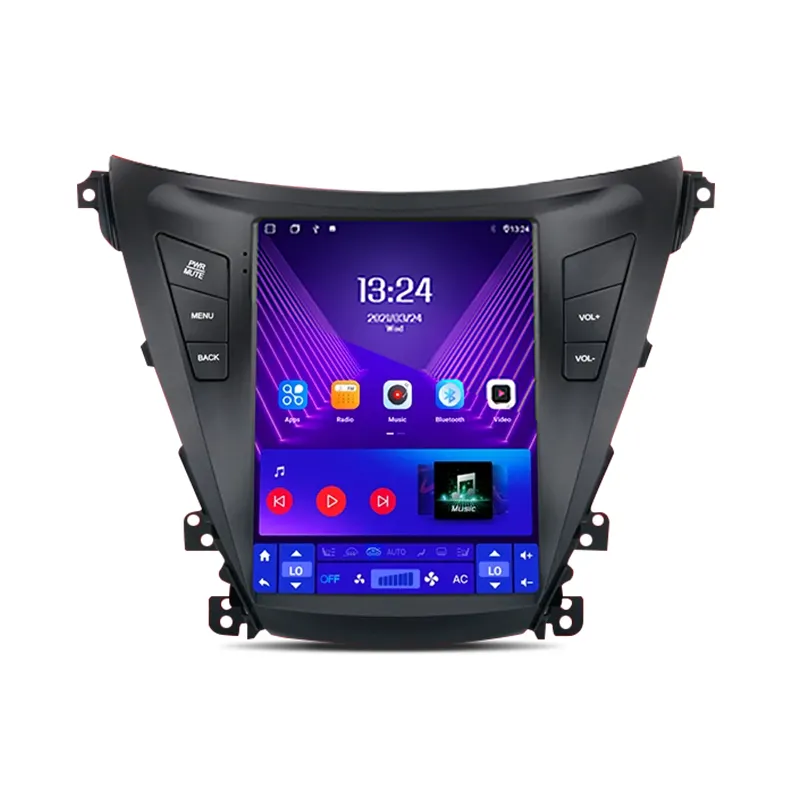
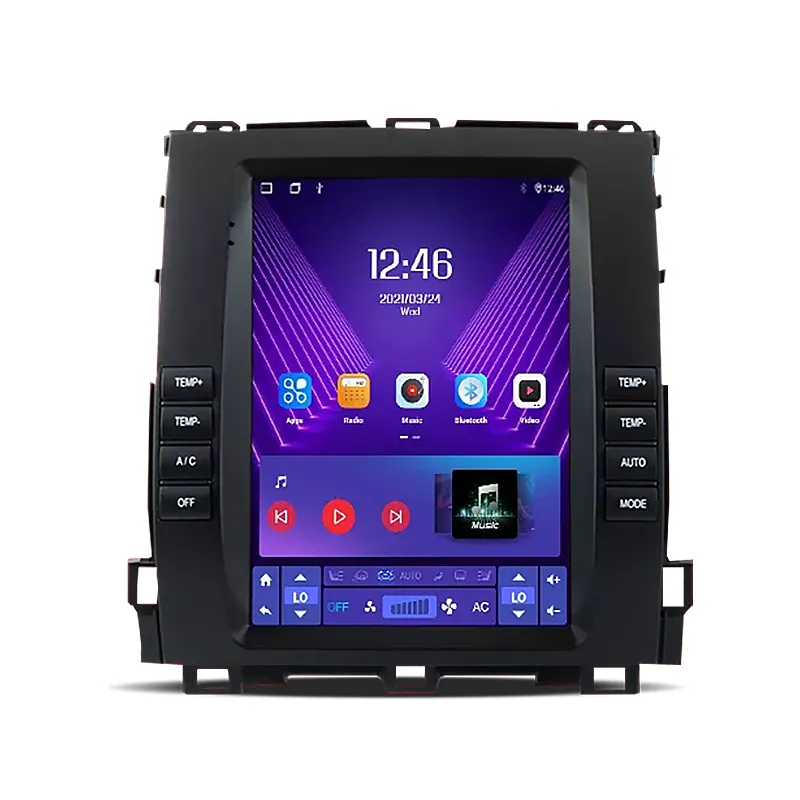
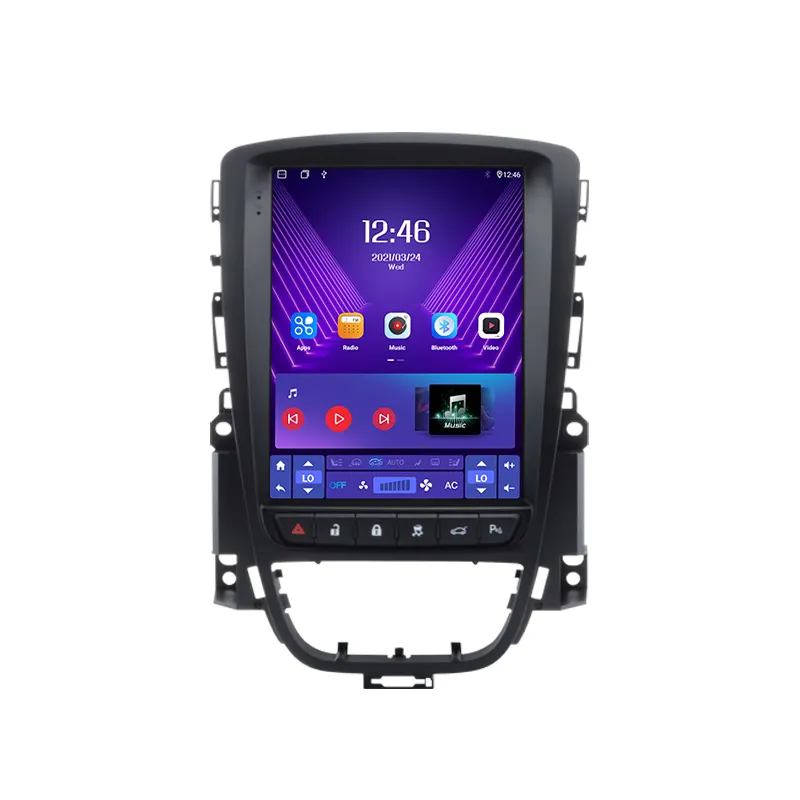
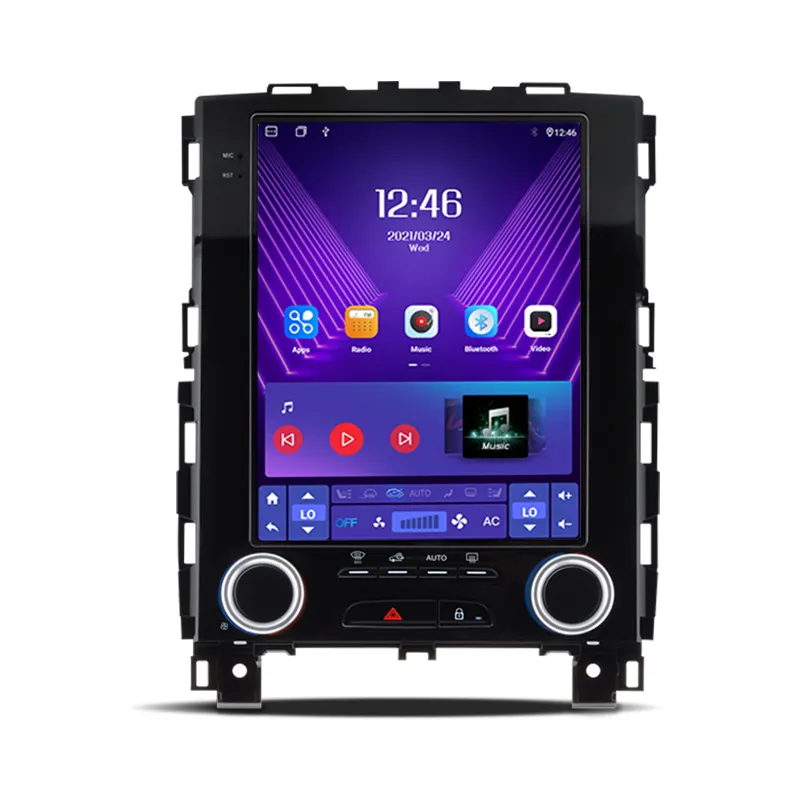
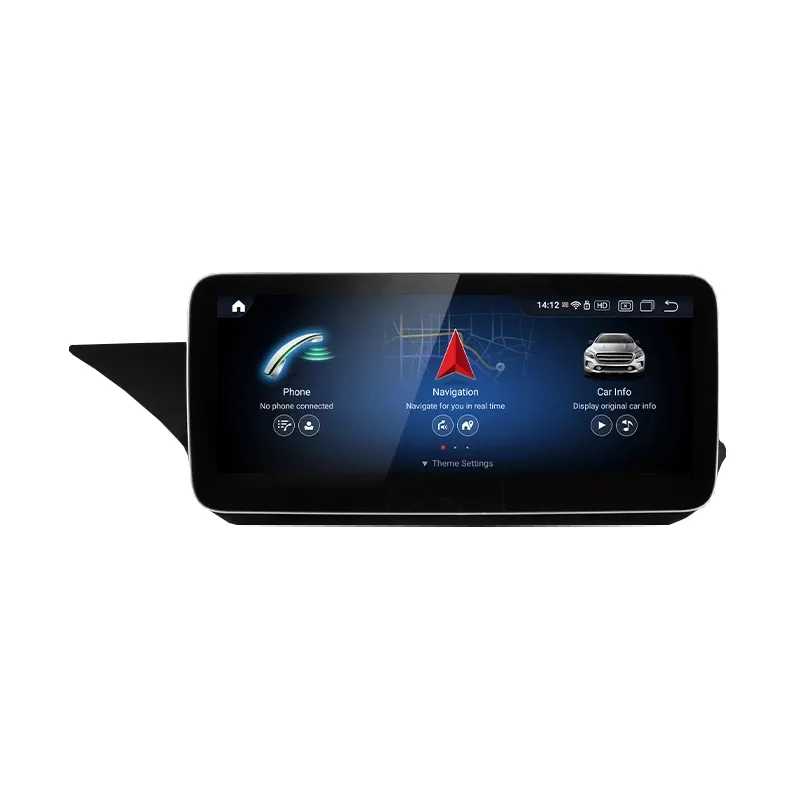
The main products include full-fit IPS Android navigation series, Android navigation series for special cars and reserved original car screen series, BMW series, Mercedes-Benz series, Audi series and other Android-specific navigation audio products.

NEWS

Motorcycle CarPlay Data Usage Explained
Understanding Motorcycle Carplay: Data Usage & Optimization Tips Motorcycle CarPlay stands as an innovative technological upgrade that seamlessly merges smartphone functionality with a motorcycle’s built-in display system. This intelligent feature enables riders to access real-time navigation, stream music, and operate other essential mobile applications while keeping their focus firmly on the road. One of the most prevalent questions among motorcycle enthusiasts and daily riders is whether Motorcycle CarPlay consumes excessive mobile data. This article provides a detailed breakdown of its data consumption rules, working mechanisms and practical data-saving strategies.
2026-06-08


Can You Download Carplay To Any Car
Imagine controlling your iPhone apps right from your car's dashboard. That's CarPlay! It revolutionizes driving by integrating smartphone features into vehicles. This article explores what CarPlay is, how it functions, and why it's crucial for modern drivers. You'll learn about CarPlay's seamless connectivity, its benefits, and its impact on driving safety and convenience.
2026-06-10
Contact Us
Add:Tianxisheng Technology Park, No. 46 Hongyin Road, Guangming District, Shenzhen
Online Message
© Copyright - 2023: Shenzhen Xinlitai Intelligent Electronic Technology Co., Ltd. All Rights Reserved.